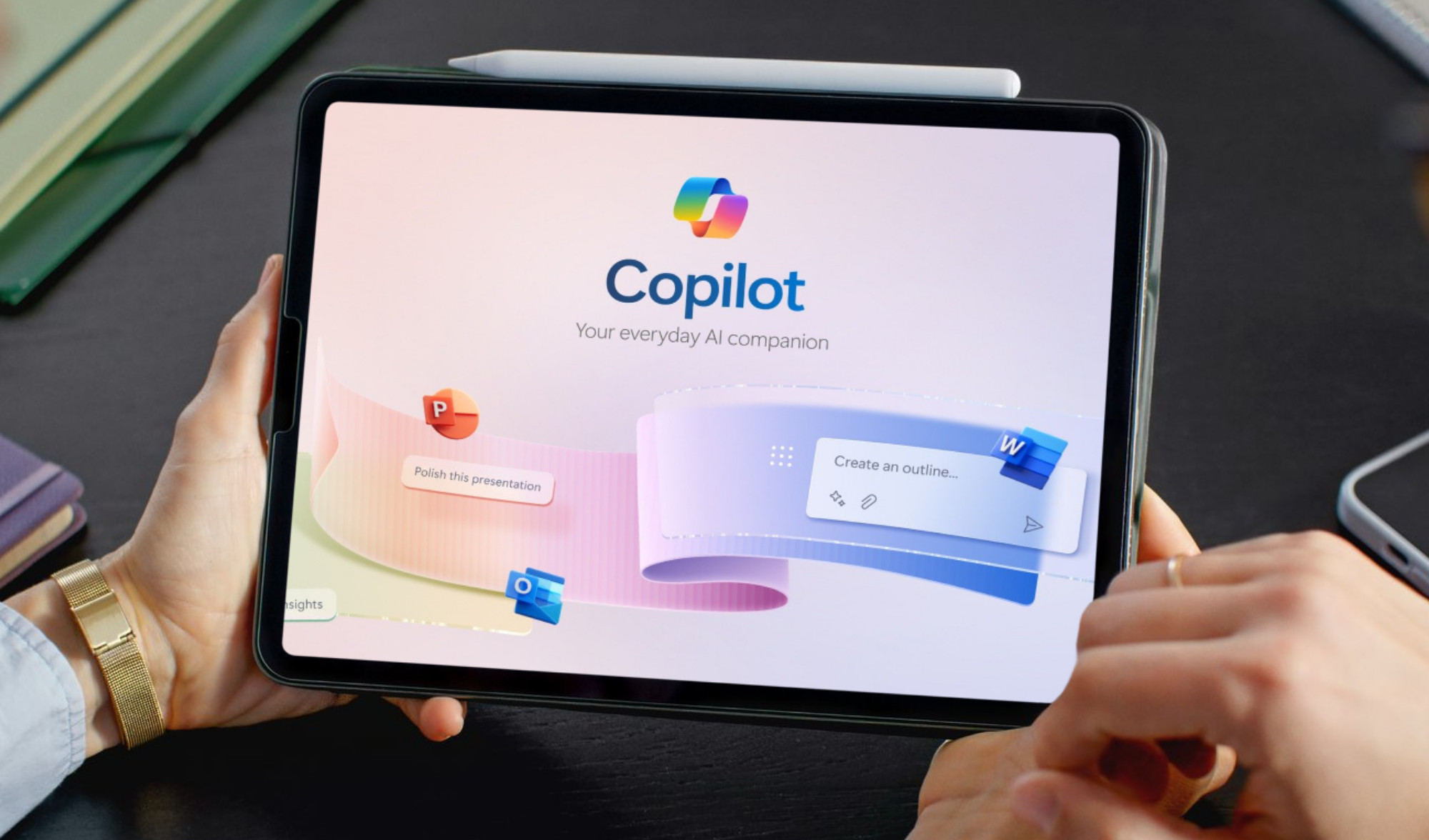
Microsoft wants another $30 per user for Copilot. Understanding Microsoft Copilot is essential. That’s $1,500 monthly for a 50-person team. You’re probably thinking: “Great, another expensive software subscription that’ll sit unused.”
But some businesses are seeing 300%+ ROI within 90 days. The difference? Following a strategic 4-step approach instead of just flipping the switch and hoping for magic.
What’s Really Costing You (And It’s Not What You Think)
Most business owners have no idea what manual work is actually costing them. Let’s do some real math here.
Take one of your $60K employees:
- Salary: $60,000
- Benefits and taxes: $18,000
- Office space, equipment, overhead: $12,000
- True hourly cost: $43
Now here’s where it gets painful. That employee is probably spending:
- 10 hours weekly managing emails and responses
- 5 hours formatting documents and reports
- 3 hours writing up meeting notes
- 4 hours on data entry and basic analysis
That’s 22 hours of manual work costing you $48,000 annually per employee.
For a 50-person team, you’re looking at $2.4 million in hidden inefficiency. And that’s conservative.
Stop the Money Drain Before It Gets Worse
Every week you delay addressing this costs $1,000+ per employee in pure waste. The longer inefficient processes run, the more money walks out the door…
Ready to see your real numbers? Schedule a 15-minute productivity assessment and we’ll calculate your exact productivity losses. No fluff, no sales pitch – just the math you need to make a smart decision.
Step 1: Start Small, Think Big
Forget trying to transform everything overnight. That’s where most implementations crash and burn. Instead, pick three high-impact areas where Copilot can deliver immediate results.
Week 1 Quick Wins
- Email Efficiency: Turn 10-minute email responses into 2-minute tasks. Copilot drafts professional responses based on your tone and context.
- Meeting Productivity: Stop frantically taking notes. Copilot transcribes everything and automatically pulls out action items and next steps
- Document Speed: Create formatted reports in minutes instead of hours. No more fighting with margins and fonts.
Target: Save 5+ hours per person in the first week.
Month 1 Expansion
Once your team sees the value, expand to these areas:
- Data Analysis: Turn spreadsheet chaos into clear insights
- Process Documentation: Convert team conversations into step-by-step procedures
- Template Creation: Generate proposals and communications that match your brand
The key? Don’t try to boil the ocean. Master the basics first, then build from there.
Step 2: Measure What Actually Matters
Here’s what separates successful Copilot implementations from expensive failures: measuring business impact, not just “adoption rates.”
The Numbers That Count
- Revenue Per Employee Growth
- Before: $250,000 annually
- After: $312,500 (from recovered productive time)
- Impact: $62,500 additional value per employee
- Client Capacity Increase:Companies can handle 25% more clients with the same team size when administrative burden drops significantly.
- Error Reduction: Document mistakes dropped 60%. Client communication issues fell 45%. Fewer costly do-overs and frustrated customers.
- Response Time Improvement: Client inquiries: 4 hours → 30 minutes. Internal requests: Same day → Real-time. Your clients notice the difference.
Realistic ROI Expectations
50-Person Company:
- Annual Copilot investment: $18,000
- Conservative time savings: 10 hours per employee monthly
- Value at $43/hour: $258,000 annually
- ROI: 1,333%
25-Person Firm:
- Annual investment: $9,000
- Time recovered: 5 hours per employee monthly
- Value: $67,750 annually
- ROI: 653%
These calculations assume conservative 10-20% efficiency gains, not miraculous transformations.
Step 3: Scale Without Breaking What Works
Most Copilot rollouts fail during the scaling phase. Companies get excited about early wins and try to deploy everything to everyone all at once. Big mistake.
The 3-Phase Smart Rollout
Phase 1: Power Users (Month 1)
Pick 3-5 tech-comfortable employees who embrace change. Let them master the core functions and document what actually works for your specific business.
Phase 2: Department Champions (Month 2)
Train department heads on the proven use cases. Each department has different needs; accounting teams use Copilot differently than project managers.
Phase 3: Company-Wide (Month 3)
Roll out only the workflows that proved successful in phases 1 and 2. Provide role-specific training, not generic Microsoft tutorials.
Common Scaling Mistakes
- Training everyone at once → Start with volunteers who want to succeed
- Using cookie-cutter training → Focus on your actual workflows
- No success tracking → Weekly ROI reports for the first 90 days
- Feature overload → Master the basics before exploring advanced features
The companies seeing 300%+ ROI? They followed this methodical approach instead of rushing to “go live” everywhere.
Step 4: Avoid the Implementation Killers
We’ve seen businesses waste serious money on Copilot implementations that nobody uses. Here’s how to avoid that outcome.
What Kills ROI
- Poor Change Management: Forcing resistant employees to use new tools creates resentment and low adoption.
- Inadequate Training: Generic Microsoft training doesn’t address your specific business processes and workflows.
- No Success Measurement: If you can’t prove value, leadership support disappears and the project dies.
- Technical Problems: Integration issues with existing systems kill momentum and frustrate users.
- Feature Creep: Trying to use every Copilot feature instead of focusing on proven ROI drivers.
The solution? Work with someone who’s done this before and knows where the landmines are buried.
The Bottom Line: Is Copilot Worth It for Your Business?
You’re a good fit if:
- 20+ employees spending serious time on administrative work
- Already using Microsoft 365 extensively across the organization
- Leadership willing to invest in proper training and implementation
- Realistic expectations (20-30% efficiency gains, not miracles)
Skip Copilot if:
- You’re looking for a magic productivity solution
- Your team strongly resists new technology adoption
- You can’t commit to strategic, measured implementation
- You expect it to replace human judgment and creativity
Here’s the truth: Copilot isn’t magic. It’s a powerful tool that requires strategic implementation, proper training, and realistic expectations. The difference between success and expensive failure comes down to approach.
Smart business owners don’t just buy software, they invest in transformation.
Ready to see if Copilot makes sense for your business?
Schedule your free productivity assessment and get custom ROI projections for your specific situation. We respond within hours, not days, because we know your time is valuable.
Published: Oct 9, 2025
Need IT Support for Your Florida Business?
GiaSpace provides proactive managed IT services, cybersecurity, and local tech support across Florida — with teams in Gainesville, Fort Lauderdale, Jacksonville, and Ocala.
Managed IT Services FloridaCybersecurity Services FLGainesville IT ServicesFort Lauderdale IT Services