More control over your updates does not mean more security.
Microsoft’s July 2026 Patch Tuesday just shipped, and it is one of the largest security releases in the program’s history. Tucked into the release is a new setting that gives you more control and less protection.
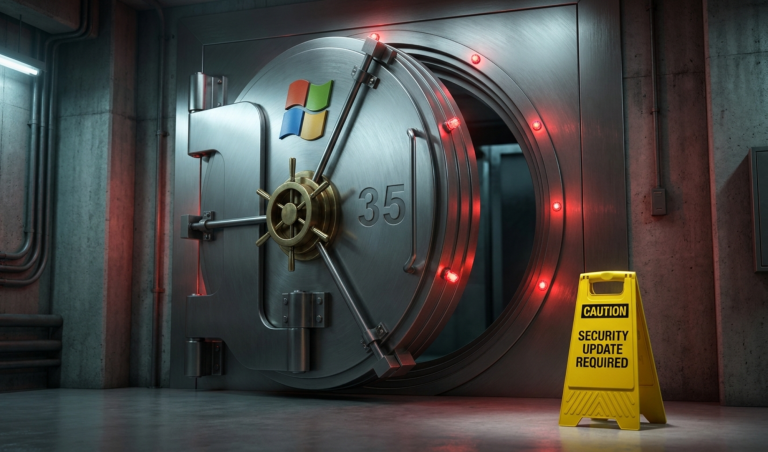
Windows 11 can now pause security updates for up to 35 days at a time. Once that window closes, you just pick a new date and pause it again. Indefinitely, if you want to.
Here is the part that should get your attention: this same update patched vulnerabilities serious enough that Microsoft could not wait for the next scheduled release to fix them.
The Pause Button Nobody Asked For
The new pause tool replaces the old fixed 7, 14, and 21 day options with a calendar picker. Pick any date up to 35 days out, and Windows will leave updates alone until then. When the pause ends, updates resume automatically, unless someone goes back in and picks a new date. There is no limit on how many times that can happen.
To be fair, this does not disable Windows Update permanently, and managed enterprise devices already sit under separate policy controls that override this setting entirely. But that is exactly the point: on a device that is not centrally managed, one click and a machine can go 35 days without a single security patch. Then another click, and it is 35 more.
Patch monitoring like this is exactly what we handle in the background for managed clients, so nobody has to remember a deadline they never knew existed in the first place.
The Deadline You Did Not See Coming
This same July release patched a privilege escalation flaw, nicknamed RoguePlanet, serious enough that Microsoft pushed an emergency out-of-cycle fix for it back on July 8, after a working exploit went public. Recent Patch Tuesdays have also fixed vulnerabilities that were already being actively exploited before the patch even existed.
These are not theoretical risks sitting in a vendor’s spreadsheet. They are actively being used against real businesses right now (which makes “just pause it for a month” a pretty rough gamble).
What to Check Right Now
A few things worth checking on your own network before this becomes a problem instead of a headline:
- Confirm whether your devices are centrally managed or left to each employee’s own update settings
- Check whether any machine is already sitting on a paused update window, and for how long
- Set a policy now, rather than assuming “someone” is watching for this
None of this requires panic; it requires someone actually watching for it, which should not depend on an employee remembering to click “resume” before a deadline they never knew existed.
The Bottom Line
A convenience feature is only convenient until the wrong device sits unpatched at the wrong time. If you are not certain whether your business’s update settings are being managed centrally or left up to chance, that is worth a conversation.