Southeast firm LBMC was spending 4 hours per tax return on manual data entry. They implemented AI tax automation. The result? They got it down to 30 minutes of review time.
Most accounting firms are still finding out about errors after they happen (when the client calls asking why their financial statements don’t match). AI changes that.

Why Month End Takes So Long
Month end delays aren’t random. They follow patterns.
Journal entries need review, variances need explanations, and anomalies need investigation. But most firms don’t have systems monitoring those patterns in real time.
The result? You find out about the problem when the audit starts. Not 3 days earlier when you could’ve fixed it during normal close procedures (and avoided the entire fire drill).
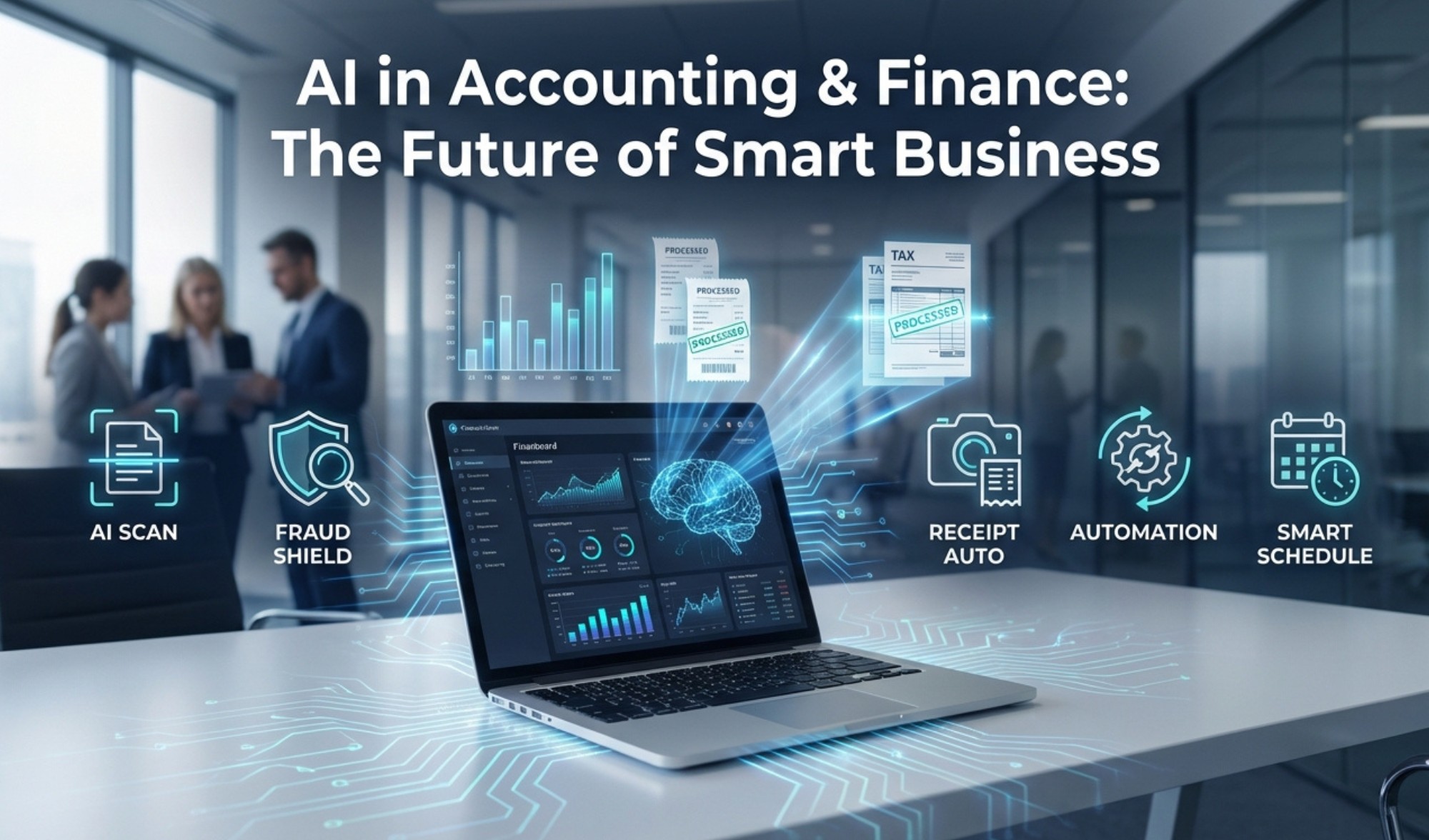
The 5 AI Tools Changing Accounting
1) AI Tax Automation
Tools: SurePrep, Intuit Assist
Scans W-2s and 1099s, auto populates returns, and flags audit risks before a CPA opens the file.
Real example: LBMC cut tax prep time from 4 hours to 30 minutes per return. A Midwest CPA firm reduced engagement letter turnaround from 3 days to 4 hours using document automation AI (turns out manually typing the same engagement letter 200 times per tax season isn’t the most efficient use of a partner’s billable hours).
Cost: $2,000 to $10,000 per year + $30 to $100 per user per month for document automation.
2) Fraud Detection AI
Tools: MindBridge, Deloitte Omnia
Scans general ledgers for duplicate payments and unusual journal entries. Flags suspicious patterns in real time.
Real example: Deloitte’s Omnia reduced manual audit review time by 40% by flagging variances and drafting explanations within hours of close instead of days later. One manufacturing client caught a $12,000 duplicate vendor payment that three human reviewers had missed (because staring at 5,000 line item invoices for 8 hours straight isn’t how human brains work).
Cost: $5,000 to $50,000 per year.
3) Receipt Scanning AI
Tools: Dext, Expensify, QuickBooks AI
Scans receipts from photos or PDFs, extracts vendor details, and syncs with QuickBooks or Xero.
Real example: A Kentucky firm cut monthly reconciliation time from 8 hours to 90 minutes. Scanning from unstructured sources like PDFs and spreadsheets has become standardized (which means your bookkeeper can stop squinting at crumpled gas station receipts wondering if that says $47.82 or $41.82).
Cost: $20 to $50 per month per client.
4) Agentic AI for Continuous Close
Tools: Microsoft Copilot, Custom Agents
AI agents monitor your general ledger 24/7, suggest journal entries, and run flux analyses automatically. They alert you to variances before month end.
Real example: One firm using agentic AI reduced month end close from 5 days to 8 hours. Instead of waiting for month end handoffs, the AI operates inside client systems in real time (because finding out on day 3 that accounts receivable didn’t reconcile is not a process; it’s a panic attack).
Cost: $500 to $5,000 per month.
5) AI Production Scheduling for Tax Season
Tools: Custom scheduling agents, Microsoft Copilot
AI calculates optimal staff schedules and recalculates in real time when disruptions occur (sick days, rush extensions, and surprise IRS notices).
Real example: A regional CPA firm using Excel to schedule 40 staff members across 8 service lines saw deadline adherence improve from 81% to 96% after implementing AI scheduling (turns out a 15-year-old spreadsheet with color coded tabs named “FINAL v3 ACTUAL USE THIS ONE” isn’t the most reliable planning tool).
Cost: Part of existing Microsoft 365 subscriptions or $200 to $800 per month for specialized tools.
The Problem Most Firms Don’t See
Most middle market clients are not prepared to move forward because of data quality, where it is housed, and how it currently gets managed.
Over 99% of CFOs still rely on Excel. 40% say their current tools are insufficient for reporting and analysis (and yet they keep adding more tabs to the same file instead of fixing the actual problem).
You can’t train AI on bad data. If your chart of accounts is a mess, if your GL has duplicate entries from manual imports, if bank feeds are reconciled quarterly instead of monthly, AI will amplify those errors (not fix them).
Before implementing AI, you need clean data foundations:
- Chart of accounts that’s standardized
- Journal entries that follow consistent naming conventions
- Bank feeds that reconcile monthly (not quarterly)
- Version control on your financial statements
If your answer to any of these is “sort of” or “we’re working on it,” AI won’t help. It will automate chaos.
What Your IT Needs to Support Accounting AI
Most firms assume they can’t use AI because their systems are too old. That’s not true (you don’t need to rip out your entire practice management stack).
You need:
- API integrations: Systems that let AI tools pull data from QuickBooks, CCH Axcess, or Drake in real time
- MFA enforcement: Every AI account secured with multi factor authentication
- Role based access: AI that can only touch the data it’s authorized for
- Audit trails: Logs that trace every AI action back to source data
- IT support that understands compliance: Implementing AI can’t violate IRS Circular 230, SOC 2, or state privacy laws (your IT partner needs to know the difference between office tools and audit ready systems)
What This Actually Means
AI tools exist right now that automate tax prep, detect fraud, and close books in hours instead of days. Firms like LBMC and Deloitte are using them to reduce manual work by 40% to 70%.
The barrier isn’t the AI. It’s having clean data and IT infrastructure that can actually implement it securely.
Is Your Accounting Firm Ready for AI?
We help Florida accounting firms assess their current systems, clean up data foundations, and implement AI tools that reduce close cycles without violating compliance standards.
→ Schedule a free accounting IT assessment
Want to learn more about our AI & automation services?
→ Check out or AI & Automation page
Published: Jan 29, 2026